escpod view
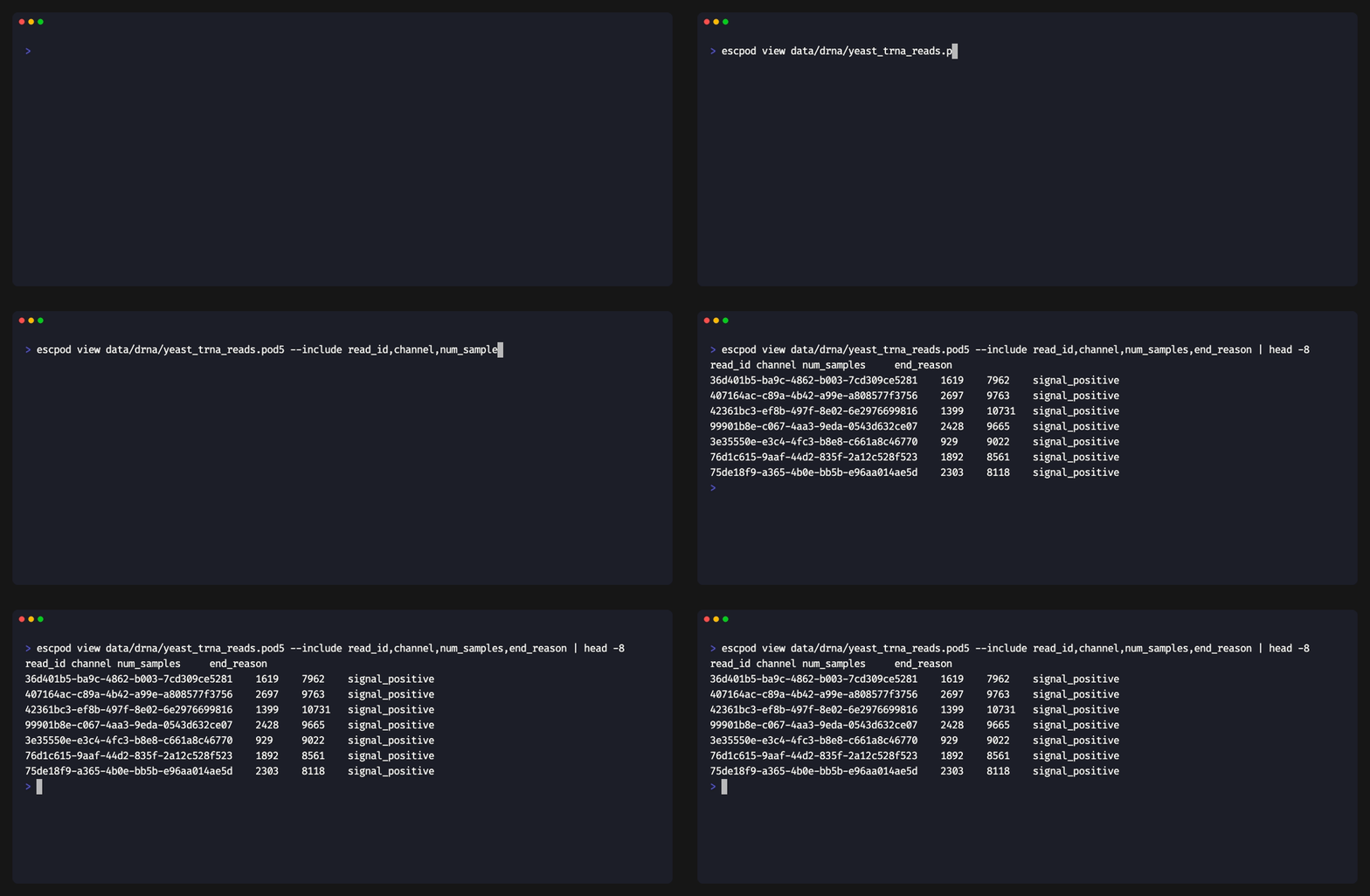
Display reads from a POD5 file as a formatted table.
Usage
escpod view [OPTIONS] <INPUT>
Arguments
| Argument | Description |
|---|---|
<INPUT> |
Path to the POD5 file |
Options
| Option | Description |
|---|---|
--include <FIELDS> |
Comma-separated fields to include; names that aren't built-in read fields are read from the .p5s sidecar as annotation columns |
--exclude <FIELDS> |
Comma-separated list of fields to exclude |
--ids |
Only show read IDs |
--separator <SEP> |
Field separator (default: tab) |
--no-header |
Suppress header row output |
-o, --output <FILE> |
Write output to file instead of stdout |
-h, --help |
Print help |
Output Fields
The default output includes:
| Field | Description |
|---|---|
read_id |
Unique identifier (UUID) |
channel |
Channel number |
well |
Well number (1-4) |
read_number |
Sequential read number |
start_sample |
Start sample position |
num_samples |
Total signal samples |
end_reason |
Why the read ended |
median_before (and pore_type, num_minknow_events, calibration_offset,
calibration_scale, run_info, open_pore_level,
expected_open_pore_level, selected_read_level, end_reason_forced) are
available but not shown by default — pull them in with --include.
Examples
Basic Usage
escpod view experiment.pod5
Output:
read_id                               channel  well  read_number  num_samples
a1b2c3d4-e5f6-7890-abcd-ef1234567890  1        1     1            50000
b2c3d4e5-f6a7-8901-bcde-f12345678901  1        1     2            75000
c3d4e5f6-a7b8-9012-cdef-123456789012  2        1     1            62000
...
Show Only Read IDs
escpod view --ids experiment.pod5
Output:
a1b2c3d4-e5f6-7890-abcd-ef1234567890
b2c3d4e5-f6a7-8901-bcde-f12345678901
c3d4e5f6-a7b8-9012-cdef-123456789012
Save to File
escpod view experiment.pod5 -o reads.tsv
Select Specific Fields
escpod view --include read_id,channel,num_samples experiment.pod5
Join Sidecar Annotations
Names that aren't built-in fields resolve as sidecar annotation columns (demux barcodes, design-derived conditions) and are appended after the built-in columns — unassigned reads get an empty cell:
escpod view reads.pod5 --include read_id,num_samples,barcode,condition
A name that matches neither a built-in field nor an annotation is a hard
error listing what's available. Naming only annotations still emits the
default built-in columns so rows stay keyed by read_id.
CSV Output
# Use comma separator for CSV format
escpod view --separator ',' experiment.pod5 -o reads.csv

# Without header for piping
escpod view --ids --no-header experiment.pod5 | head -n 10