escpod filter
Extract reads by ID list, sample count, end reason, or sidecar annotation.
Usage
escpod filter [OPTIONS] -o <OUTPUT> <INPUT>...
At least one filter criterion is required.
Arguments
| Argument | Description |
|---|---|
<INPUT>... |
Input POD5 files and/or directories (searched recursively, de-duplicated) |
Options
| Option | Description |
|---|---|
-i, --ids <FILE> |
File of read IDs to keep (one per line; - or stdin reads from stdin) |
--min-samples <N> |
Keep reads with at least N samples |
--max-samples <N> |
Keep reads with at most N samples |
--end-reason <REASONS> |
Keep only these end reasons (comma-separated) |
--exclude-end-reason <REASONS> |
Drop these end reasons (comma-separated) |
--annotation <NAME=LABEL> |
Keep reads whose .p5s sidecar annotation matches (repeatable) |
-o, --output <FILE> |
Output file path (required) |
-f, --force |
Overwrite the output file if it exists |
--profile |
Print per-phase timing breakdown |
-t, --threads <N> |
Number of threads for parallel processing (default: 16, capped at available CPUs) |
-h, --help |
Print help |
ID File Format
The IDs file should contain one UUID per line:
a1b2c3d4-e5f6-7890-abcd-ef1234567890
b2c3d4e5-f6a7-8901-bcde-f12345678901
c3d4e5f6-a7b8-9012-cdef-123456789012
Supported Formats
- Standard UUID:
a1b2c3d4-e5f6-7890-abcd-ef1234567890 - No dashes:
a1b2c3d4e5f67890abcdef1234567890 - Comments (lines starting with
#) are ignored - Empty lines are ignored
Examples
Basic Filtering
Create a file with read IDs:
cat > interesting_reads.txt << EOF
a1b2c3d4-e5f6-7890-abcd-ef1234567890
b2c3d4e5-f6a7-8901-bcde-f12345678901
EOF
Filter the POD5 file:
escpod filter -i interesting_reads.txt -o filtered.pod5 experiment.pod5
Filter from Basecalling Results
If you have basecalling results with read IDs of interest:
# Extract read IDs from a BAM file (requires samtools)
samtools view aligned.bam | cut -f1 | sort -u > mapped_reads.txt

# Filter POD5 to only mapped reads
escpod filter -i mapped_reads.txt -o mapped.pod5 experiment.pod5
Filter Using Another POD5 File
Extract reads that exist in another file:
escpod view --ids reference.pod5 > reference_ids.txt
escpod filter -i reference_ids.txt -o matching.pod5 experiment.pod5
Filter by Sidecar Annotation
With demux assignments recorded in the .p5s sidecar (escpod sidecar annotate or
escpod demux --annotate), materialize one group on demand — no ID lists,
no full split:
escpod filter reads.pod5 --annotation barcode=nbc05 -o nbc05.pod5
escpod filter reads.pod5 --annotation condition=fresh -o fresh.pod5   # design-derived column
--annotation is repeatable: pairs with the same name are any-of, pairs
with different names are all-of, and --ids intersects on top:
# (nbc05 OR nbc06) AND replicate r1
escpod filter reads.pod5 \
    --annotation barcode=nbc05 --annotation barcode=nbc06 \
    --annotation replicate=r1 -o subset.pod5
Output
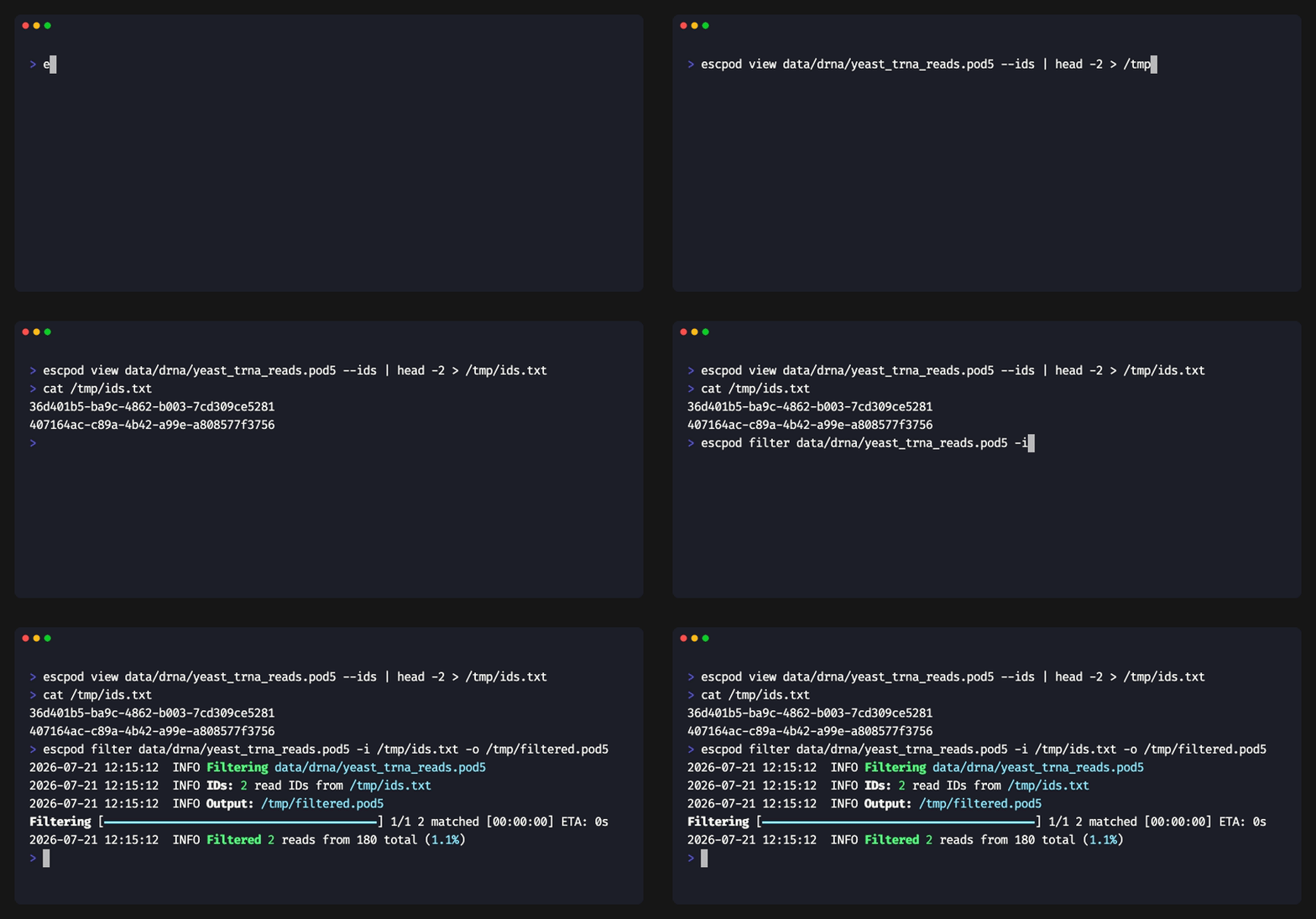
The command prints filtering statistics:
Filtering experiment.pod5 using IDs from interesting_reads.txt
Output: filtered.pod5
Loaded 100 read IDs to filter
Filtered 95 reads from 10000 total (0.95%)
Warning: 5 requested IDs were not found in the input file
Notes
- Only reads matching all active criteria are included in the output
- Run info is preserved for all matching reads
- A warning is shown if some requested IDs are not found
--annotationrequires a.p5ssidecar next to each input; a label that occurs nowhere in the annotation warns rather than errors