escpod inspect
Inspect POD5 file metadata and contents.
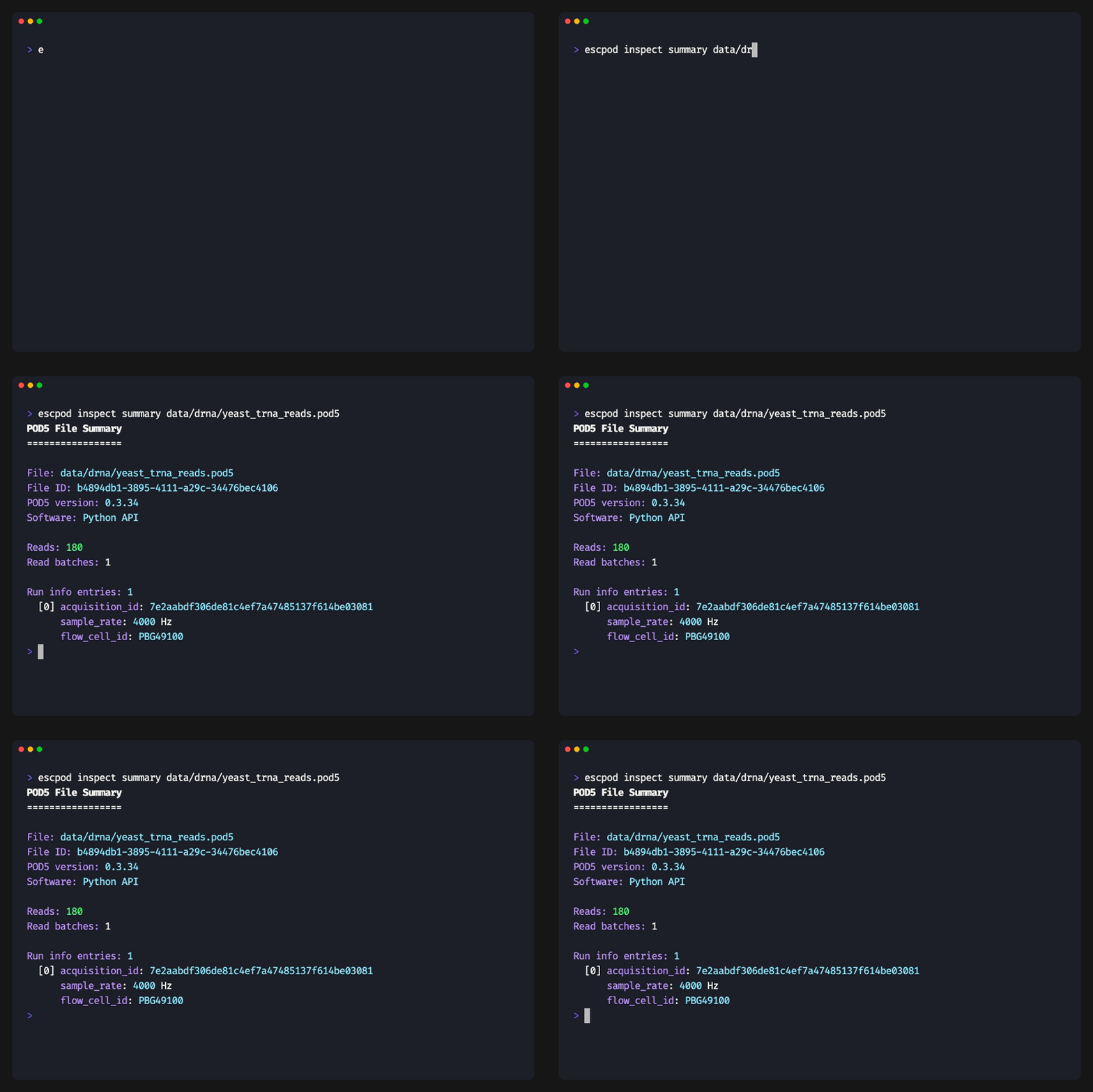
Usage
escpod inspect <SUBCOMMAND> <INPUT>
Subcommands
| Subcommand | Description |
|---|---|
summary |
Show file summary statistics |
reads |
List all read IDs |
read |
Show details for a specific read |
escpod inspect summary
Display summary information about a POD5 file.
Usage
escpod inspect summary <INPUT>
Example
escpod inspect summary experiment.pod5
Output:
File: experiment.pod5
File ID: 3c490d31-0385-4a49-a61e-d717e49c34ac
POD5 version: 0.3.44
Software: MinKNOW 24.x

Reads: 10,543
Read batches: 11

Run info entries: 1
  [0] acquisition_id: abc123def456
      sample_rate: 4000 Hz
      flow_cell_id: FAK12345

Sidecar: experiment.pod5.p5s
  index: 10,543 reads
  annotations: barcode (17 labels, 10,543 reads), condition (16 labels, 9,867 reads)
  design: [barcode] → [condition,replicate], 16 rows
The Sidecar block reports the .p5s companion file
when one exists: the read-index size, each annotation with its label and
assigned-read counts, and the experimental design. Files without a sidecar
print Sidecar: none; a sidecar that doesn't match the POD5 (stale, or
copied from another file) is reported inline rather than failing the
command.
inspect summary also accepts a directory, printing per-file lines plus
Total reads: / Total batches:.
escpod inspect reads
List every read in the file as a fixed-width table.
Usage
escpod inspect reads <INPUT>
Example
escpod inspect reads experiment.pod5
Output:
read_id                               channel  well    samples  end_reason
----------------------------------------------------------------------------
a1b2c3d4-e5f6-7890-abcd-ef1234567890        1     1    50000    signal_positive
b2c3d4e5-f6a7-8901-bcde-f12345678901        1     1    75000    signal_positive
c3d4e5f6-a7b8-9012-cdef-123456789012        2     1    62000    signal_positive
...
<INPUT> may also be a directory, aggregating across every POD5 it contains.
To build a bare read-ID list for filter -i/bam-filter, use
escpod view --ids instead — inspect reads is for reading, not
for piping:
escpod view --ids experiment.pod5 > all_reads.txt
escpod inspect read
Show detailed information about a specific read.
Usage
escpod inspect read <INPUT> <READ_ID>
Arguments
| Argument | Description |
|---|---|
<INPUT> |
Path to the POD5 file |
<READ_ID> |
UUID of the read to inspect |
Example
escpod inspect read experiment.pod5 a1b2c3d4-e5f6-7890-abcd-ef1234567890
Output:
Read Details
============

read_id: a1b2c3d4-e5f6-7890-abcd-ef1234567890
read_number: 42
channel: 1
well: 1
start_sample: 1234567
num_samples: 50000
num_minknow_events: 100

pore_type: rna_004
calibration_offset: -240.5
calibration_scale: 0.145
median_before: 210.5
open_pore_level: 220.1
expected_open_pore_level: 219.8
selected_read_level: 220.0

end_reason: signal_positive
end_reason_forced: false
<INPUT> may also be a directory; the search stops at the first file
containing a match and prints its path first.